How to play The Impossible Login
Logging in should be simple. This deliberately ridiculous puzzle game turns an ordinary sign-in into twelve inventive security checkpoints. Every stage asks you to notice something different, from clues hidden in the interface to challenges that test memory, attention and timing. Nothing needs to be installed and no real account is required.

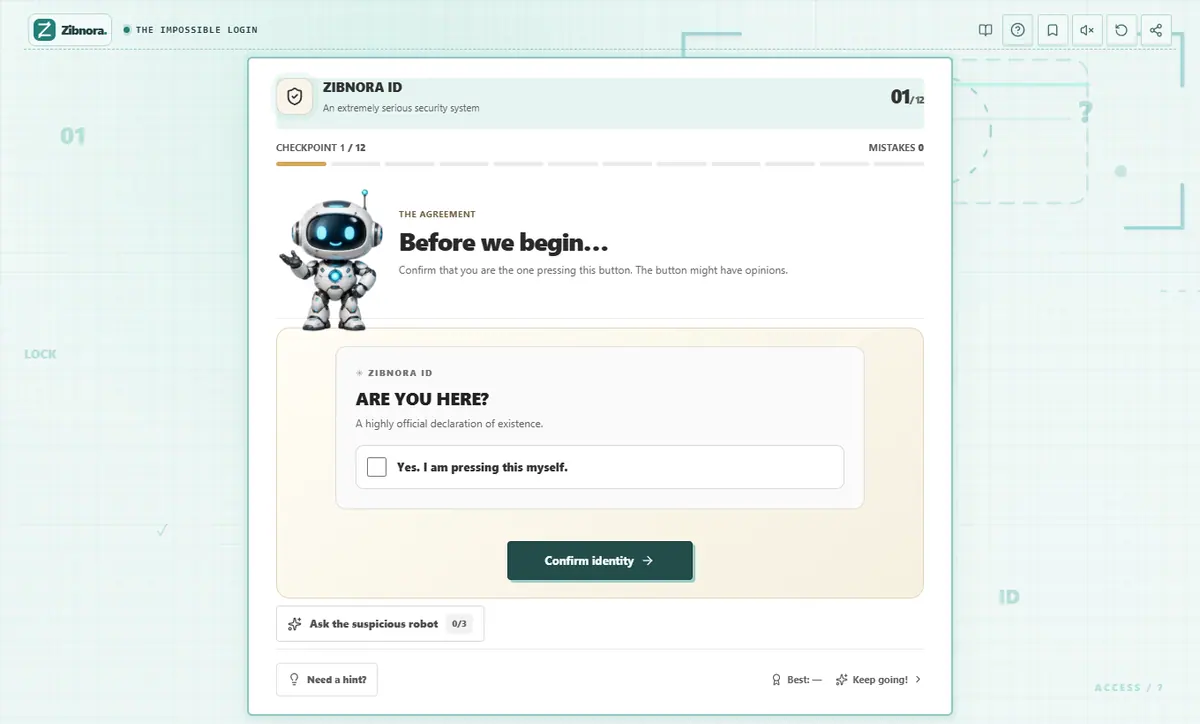
How to play — step by step
- 01
Start the verification
Open the game and read the instructions in the current checkpoint. Its rules are part of the puzzle, so pay attention to the details rather than clicking at random.
- 02
Solve the challenge
Interact with the buttons, choices and other controls on screen. Some stages involve observation, rhythm, or a short sequence to remember.
- 03
Reach the next checkpoint
Once you pass a check, continue to the next one. If a solution is not obvious, use the in-game hint and try a different approach.
What makes this game different?
- Twelve distinct security challenges
- Interactive controls and playful surprises
- Clues, hints and varied puzzle mechanics
- Runs directly in a modern browser
Tips for your next run
- Look for changes in the interface after each action.
- A failed attempt can reveal how a particular checkpoint works.
Common questions
Is The Impossible Login a real sign-in form?
No. It is a fictional browser puzzle about absurd security checks. You do not create or access a real account.
How many challenges are there?
The game contains twelve checkpoints with different mechanics, including observation and memory.